
Application guide
Registration and Login
Create an account securely, complete verification, and sign in across supported devices.
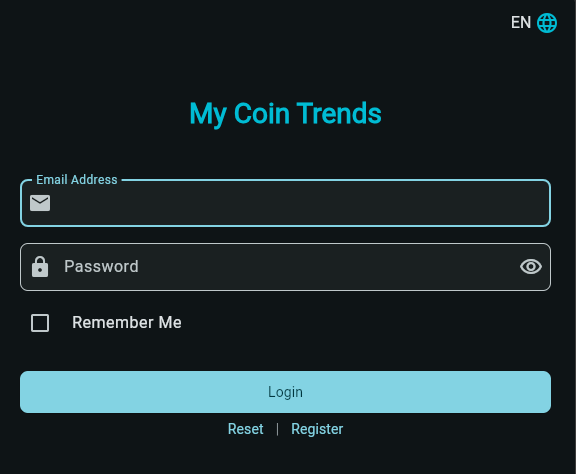
Step01
Create your account
Register with your name and email address, choose a strong password, and complete the required account agreement. New registrations may require administrator approval before access is activated.
Step02
Sign in safely
Use the latest application or web release. If authenticator protection is enabled, enter the current one-time code after your password. Never share passwords, authenticator codes, recovery codes, or session tokens.
Step03
Multiple devices
The same account can use several active sessions within its plan limit. Review and revoke sessions from Settings when a device is lost or no longer trusted.